
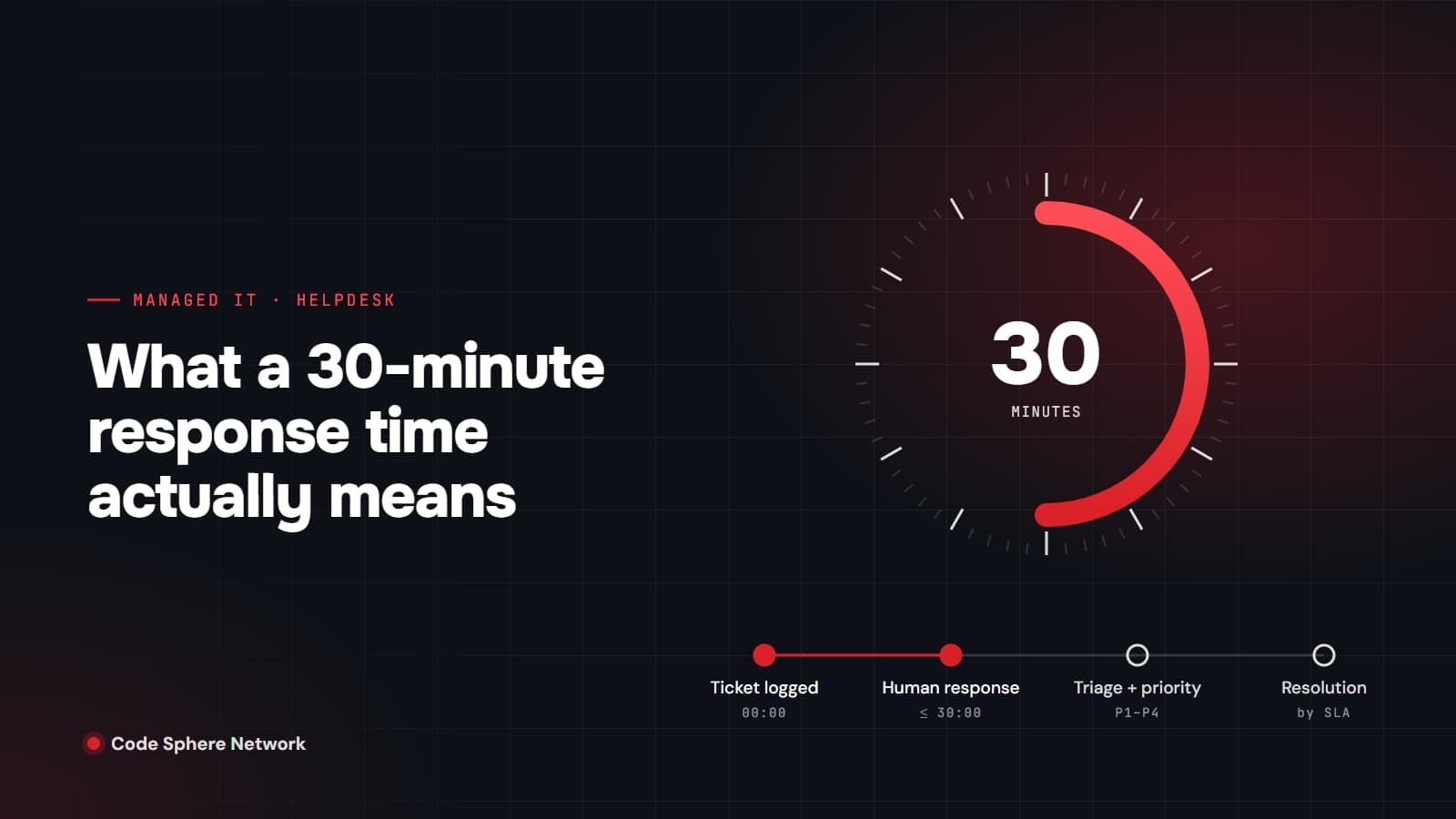
Short answer: a 30-minute response time means that within 30 minutes of you logging a ticket, a person at your managed service provider (MSP) acknowledges it and starts working on it. It does not mean the problem is fixed in 30 minutes. Fixing it is resolution time, which depends on how serious the issue is and is usually measured separately.
That distinction matters because response and resolution are different promises, measured by different clocks, and a provider can meet one while missing the other. Below is what each term means, how the clock is actually measured, and the questions worth asking before you sign a support agreement.
Response, triage and resolution are three different things
- Response: someone acknowledges the ticket and begins taking action. Freshworks' ITSM guide makes the point with a broken-printer example: the acknowledgement "doesn't mean the printer is fixed."
- Triage: the technician works out what is broken, who is affected and how urgent it is, then sets a priority.
- Resolution: the issue is fixed, or a workaround restores service, and the ticket is closed.
A fast response still has real value. It tells you a person has seen the problem, it stops you from guessing whether anyone received your email, and it gets the right technician involved early. When you compare providers, though, compare response times with response times and resolution targets with resolution targets.
Watch the acronym MTTR as well. Atlassian notes that "the R can stand for repair, recovery, respond, or resolve", so two providers quoting an MTTR may be measuring completely different things. The metric closest to "response" is MTTA, mean time to acknowledge.
How priority shapes what happens after the first response
Not every ticket is equally urgent. Most service desks set priority from two factors: impact, meaning how much of the business is affected, and urgency, meaning how quickly the issue will start to hurt. Atlassian's service management documentation describes priority as the value that "identifies the required time for actions to be taken."
In practice that usually produces a four-level scale:
- P1 (critical): a core system is down for many people, such as email, your line-of-business application or the internet connection. This should trigger immediate escalation.
- P2 (high): a serious problem affecting a team, or one person who cannot work at all.
- P3 (normal): something is broken, but there is a workaround.
- P4 (low): requests and minor issues, such as setting up a new starter next week.
There is no single industry-standard set of times for P1 to P4. Vendors publish sample structures, but your agreement is what counts, so ask to see the actual table of response and resolution targets for each level.
How the SLA clock is actually measured
The fine print usually sits in three places: when the clock starts, which hours it runs, and when it pauses.
The clock normally starts when the ticket is created, whether that happens by email, portal or phone. Zendesk's documentation, for example, starts the first-reply timer at ticket creation. If you phone in a problem and the ticket is logged later, ask which timestamp counts.
Next, check whether the clock runs on business hours or calendar hours. Helpdesk tools let a provider attach a working calendar to an SLA, and Zendesk states that business-hour targets "pause outside business hours, then restart when business hours begin." A business-hours response target on a ticket logged at 3:50 p.m. may therefore be met the next morning. That is legitimate, but you should know it before you need it.
Finally, SLA timers commonly pause while the provider is waiting on you, for example for a reply, remote access or a time to visit the site. Atlassian's SLA documentation gives "waiting for a customer to respond" as the typical pause condition. Pauses are fair when they are written down; they are a problem when they are not.
Does an auto-reply count as a response?
It depends on the tool and on the contract, which is exactly why you should ask. Some helpdesk platforms let an automated public reply satisfy a first-reply target, while others count only replies from an agent. An instant "we have received your ticket" email is useful confirmation, but it is not the same as a person reading your problem.
At Code Sphere Network, our 30-minute standard refers to a real person picking up your ticket during business hours (8:00 AM to 4:00 PM Pacific, Monday to Friday), not an automated acknowledgement. Urgent system-down issues receive immediate triage under the applicable support agreement.
Average, target or guarantee?
"30-minute response time" can mean three quite different things:
- An average: some tickets will take longer, and a long tail of slow responses can hide behind a good-looking mean. Google's Site Reliability Engineering book warns that most metrics "are better thought of as distributions rather than averages."
- A target (an SLO): what the provider aims for, often stated as a percentage, such as 90% of tickets within the window.
- A guarantee (an SLA): a contractual commitment, ideally with a stated consequence if it is missed.
None of these is wrong, but they are not interchangeable. Ask which one you are being offered and how it will be reported to you.
Why fast response matters
Downtime costs vary enormously with the size of the business, so treat headline figures with care. ITIC's 2024 survey found that an hour of downtime costs over US$300,000 for more than 90% of mid-size and large enterprises. The same research notes that micro businesses with 1 to 20 employees "typically would not rack up hourly downtime costs of hundreds of thousands," although small firms also have less cushion to absorb a lost day.
For most small and mid-sized businesses, the real cost shows up as staff who cannot work, customers who cannot reach you and deadlines that slip. The first half hour is often when a problem is either contained or allowed to spread, especially with security incidents. The Canadian Centre for Cyber Security's baseline controls for small and medium organizations recommend a basic incident response plan and, for organizations that rely on outside help, "a detailed plan for who to engage and for what services." Your MSP's response and escalation commitments are part of that plan.
Questions to ask any MSP about response time
- What counts as a response: a person, or an automated acknowledgement?
- Is the figure an average, a target or a contractual guarantee, and how is it reported?
- Which hours and days does the clock run, and in which time zone? What happens after hours?
- When does the clock start for phone, email and portal tickets?
- When can the clock pause, and is that written into the agreement?
- What are the response and resolution targets for each priority level?
- How is a P1 escalated, and who do we call when a system is down?
- Will we deal with a consistent team that already knows our environment?
How Code Sphere Network handles it
Our managed IT services are built around a managed helpdesk where a real person picks up the ticket within 30 minutes during business hours, with structured triage and clear SLAs. Because a consistent team supports your account, the person who responds already knows your systems, so you are not explaining your setup from scratch each time.
If you are a Vancouver business comparing providers, our Managed IT Services Vancouver page covers what is included. You can also book a free consultation and we will walk you through our response and escalation process, priority levels included.
Sources
- Atlassian Support: How impact and urgency are used to calculate priority
- Freshworks: SLA response time
- Atlassian: MTBF, MTTR, MTTA, and MTTF
- Atlassian: SLA vs. SLO vs. SLI
- Google: Site Reliability Engineering, Service Level Objectives
- Atlassian Support: Set up SLA conditions
- Zendesk Help: Understanding ticket reply time
- Zendesk Help: Defining SLA policies
- ITIC: 2024 Hourly Cost of Downtime Report, Part 1
- ITIC: 2024 Hourly Cost of Downtime, Part 2
- Canadian Centre for Cyber Security: Baseline cyber security controls for small and medium organizations
About Code Sphere Network Team
Code Sphere Network Inc. is a Vancouver-based managed IT, cybersecurity, cloud and AI automation provider serving businesses across Canada. Our team writes these guides from the work we do for clients every day.
